Using ChatGPT to Write Professional English at Work
Using ChatGPT to Write Professional English at Work
ChatGPT has become the default tool for non-native professionals who need to write in English at work. You draft something in your native language, paste it into ChatGPT, ask for a translation or a tone adjustment, and copy the result back. It works.
The problem shows up when you do that dozens of times a day.
What ChatGPT Does Well for Professional English Writing
ChatGPT is genuinely capable when it comes to English writing. GPT-4o understands tone, register, and context better than any grammar checker. With a good prompt, the output is often excellent.
Translating your draft into professional English. You write naturally in your own language, paste it in, and ask for a professional English version. It handles long emails, proposals, and sensitive messages well.
Adjusting tone for complex messages. "Rewrite this email to sound direct but not cold — it's a follow-up to a client who hasn't replied in two weeks." With enough context, the result is very good.
Writing from scratch when you're stuck. "Draft an email asking for a deadline extension, professional but warm." ChatGPT generates a usable version you can refine.
Handling difficult messages. Negative feedback, polite refusals, awkward announcements. Situations where you want to calibrate carefully before sending.
The Cost of the Copy-Paste Workflow
The issue isn't output quality. It's the workflow itself.
For every message you want to run through ChatGPT, the cycle looks like this:
Leave the app you're in (Slack, Gmail, Docs, Teams, Outlook)
Open ChatGPT
Paste the text
Write a prompt with enough context
Read the result
Copy it back
Return to the original app and pick up where you left off
That takes two to four minutes per message. The number of messages that trigger some level of hesitation — not paralysis, but a passing doubt — is high. The accumulated time is significant. More importantly, the interrupted focus carries a cost beyond the clock.
The practical result: you end up only using ChatGPT when you're truly stuck. All the other messages — where the doubt is mild, not blocking — get sent with the doubt still there.
How to Write Better Prompts for Professional English
Give context about the relationship. Instead of "translate this to professional English," try: "Translate this to professional English — it's a follow-up to a client I've worked with for six months, the relationship is good, direct tone is fine."
Specify the tone you want. "Direct but warm," "formal but not stiff," "concise, no preamble." ChatGPT responds well to tone adjectives.
State what to avoid. "No excessive hedging," "no 'I hope this finds you well,'" "no vague corporate language." Negative constraints are as useful as positive instructions.
Ask for variations. "Give me three versions with different tones: one more direct, one warmer, one more formal." Comparing options helps you calibrate.
When ChatGPT Is the Right Choice — and When It Isn't
Use ChatGPT when:
The message is long and complex (a proposal email, a performance review, difficult news)
You want to iterate and compare versions
You're starting from scratch and feel stuck
You have time to build a detailed prompt
The tone of the message has real consequences
The friction is worth it when the message is worth the friction.
The friction isn't worth it when:
It's a quick Slack reply
It's a routine follow-up
It's a comment in a shared document
The doubt is light, not blocking
That second group represents most of the daily volume.
A Different Approach for Daily Volume
Typeflow is built for the moments when the content is already written and you just need to make sure it sounds right before you send.
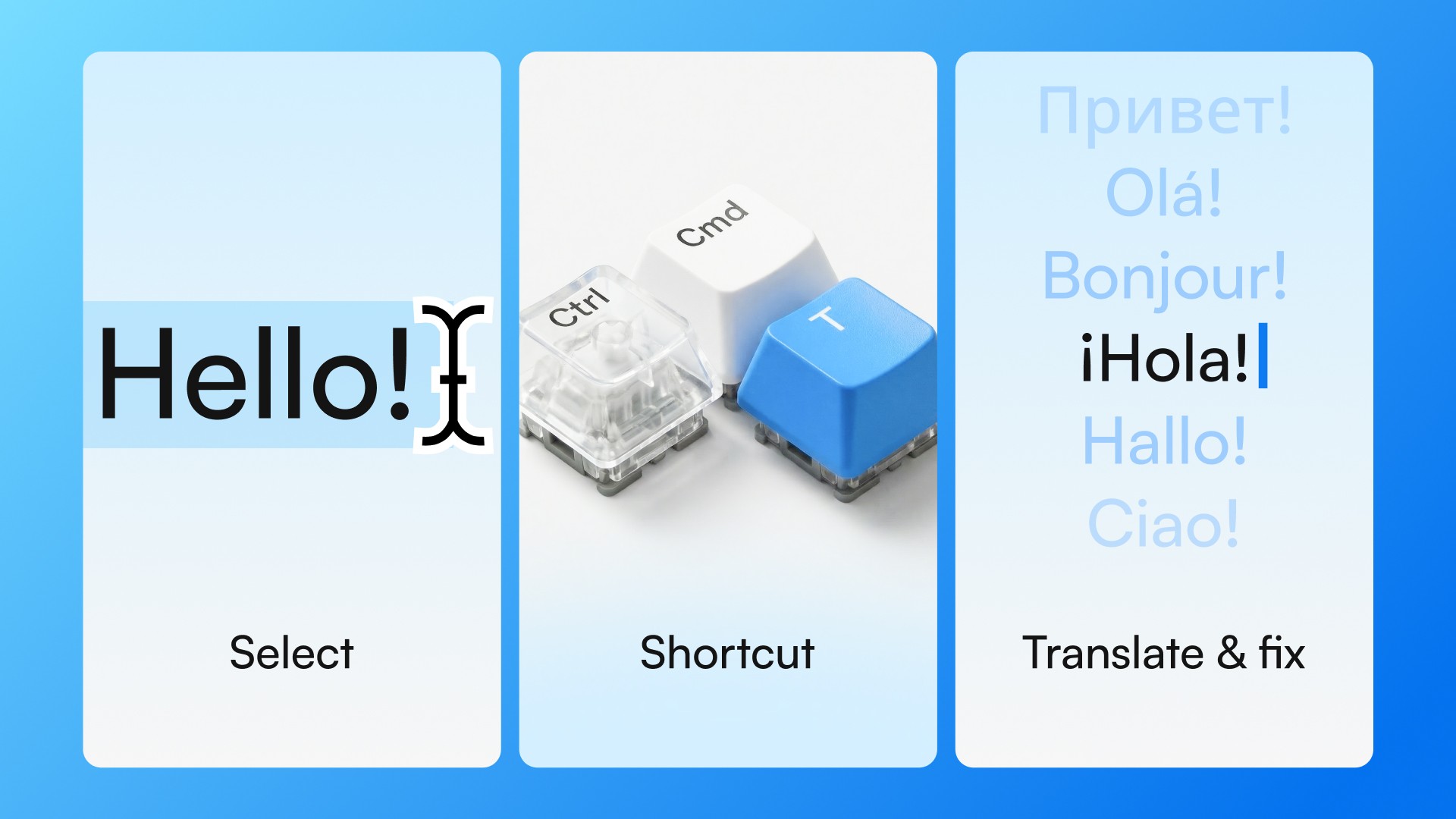
You write in any desktop app — Slack, Gmail, Teams, Google Docs, Notion. Select the text. Press Ctrl+Cmd+T on Mac or Ctrl+Win+T on Windows. In about two seconds, the text is translated, corrected, or refined in place — without leaving the app, without building a prompt, without copy-pasting.
ChatGPT and Typeflow aren't competing. They serve different moments:
ChatGPT: when you're building something from scratch, iterating, or the message requires careful thought.
Typeflow: when the content is already there and you need quick confirmation — dozens of times a day, in any app.
Try Typeflow free for 7 days. No credit card required.