How to Translate from Portuguese to English at Work
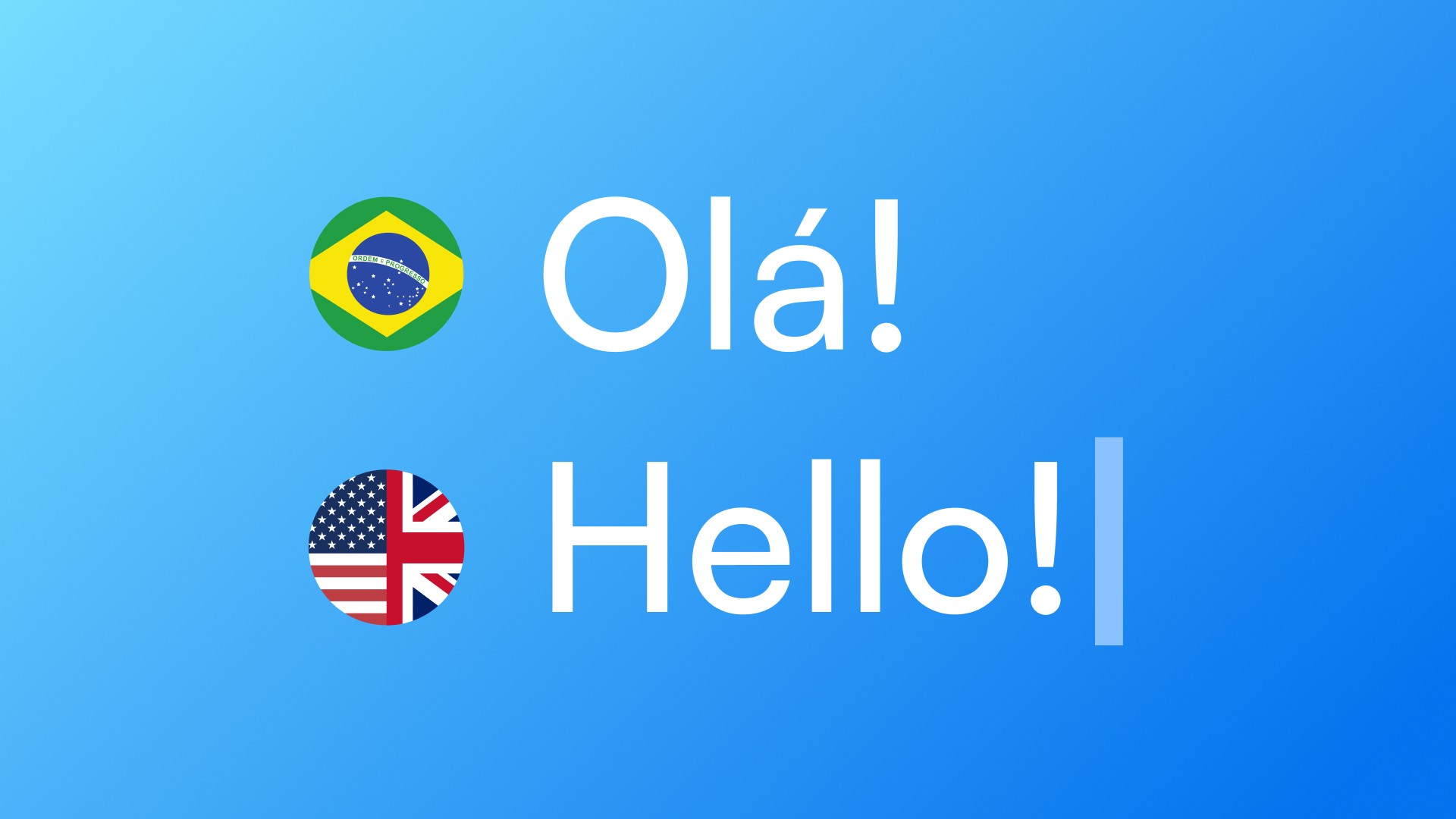
How to Translate from Portuguese to English at Work
If you write in English every day, you probably have a routine: draft in Portuguese, open Google Translate or DeepL, paste the text, adjust the output, copy it back, switch to your app. Repeat this a dozen times before lunch.
The translation itself is rarely the problem. The problem is the workflow — and results that often don't sound quite right.
Why Generic Translation Falls Short for Professional Communication
Tools like Google Translate and DeepL are good at converting words. They're not good at preserving tone in context.
"Could you send me that file?" and "Would you be able to share that file when you get a chance?" are both valid translations of the same Portuguese phrase — but they signal very different things about urgency, register, and relationship.
A translation tool doesn't know whether you're writing to your manager, a client, or a close teammate. It doesn't know if the message needs to be direct or careful. It just converts.
The result is text that's technically accurate but feels flat, slightly off, or just not how you'd put it if English were your native language.
The Real Cost of Switching Apps to Translate
The copy-paste workflow is slow. But the real cost isn't time — it's interruption.
Every time you leave your work app to open a translation tool, you break focus. The message you're drafting stays stuck in a separate window. You lose the thread of the conversation. By the time you're back, something has shifted.
For professionals writing dozens of messages a day — Slack, Gmail, Google Docs, Notion — this adds up to a significant amount of broken focus over the course of a week.
What the Translation Problem Actually Requires
Three things:
Speed — you don't have 30 seconds per message. You need a result in 2.
Tone awareness — the output should match the register of the situation, not just the literal meaning.
Zero context switching — you need to stay in the app you're already in.
Generic translation tools partially solve #1, miss #2, and completely fail #3.
This Isn't Only a Portuguese Problem
Professionals who speak Spanish, French, German, Italian, or any other language and work in English face the same challenge: generic tools translate well enough, but the output still needs editing to sound natural and professional.
The workflow problem is universal. The tone problem is universal. The solution needs to be too.
A Better Way to Translate at Work
The most effective approach is translation that happens where you already are — in the app you're using — without a separate step.
Select the text. Trigger a shortcut. Get the result in context, with tone calibrated.
That's how Typeflow works. Select any text in any desktop app, use the shortcut (Ctrl+Cmd+T on Mac, Ctrl+Win+T on Windows), and in about 2 seconds you have a translation adjusted for professional use — without leaving Slack, Gmail, Notion, or wherever you're working.
Try Typeflow free for 7 days. No credit card required.