ChatGPT vs Typeflow for Writing in English at Work
ChatGPT vs Typeflow for Writing in English at Work
If you write in English professionally and it's not your first language, you've probably developed a workaround involving ChatGPT. You draft something, second-guess the tone, switch tabs, paste, prompt, copy back, return to your app.
It works. But it adds friction to every single message you're not completely sure about.
This article compares ChatGPT and Typeflow for that specific use case: not long-form writing or brainstorming, but the daily work of translating, refining, and calibrating professional English in real time.
How most people use ChatGPT for professional writing
ChatGPT is a general-purpose AI. For professional English specifically, most non-native speakers use it as an on-demand editor: you write something, paste it in, ask it to rewrite, fix the tone, or translate from your native language.
The quality is often good. GPT-4o handles register and tone reasonably well, especially with a detailed prompt. If you write "make this more direct but not aggressive, it's a follow-up to a client who hasn't responded in a week," you'll usually get something usable.
The problem isn't quality. It's what that workflow costs you at scale.
Here's the sequence that happens dozens of times a day:
You write something in your app — email, Slack, Notion, Docs
You're not fully confident it sounds right
You switch to ChatGPT
You paste the text
You write a prompt that explains the context
You read the output
You copy it back
You return to your original app and pick up where you left off
Each cycle takes two to four minutes. Across a workday, that's a significant amount of interrupted focus — not because any single message is hard, but because the friction is constant.
How Typeflow works
Typeflow is built for a different moment in the writing process: the last step before you hit send, not the blank page.
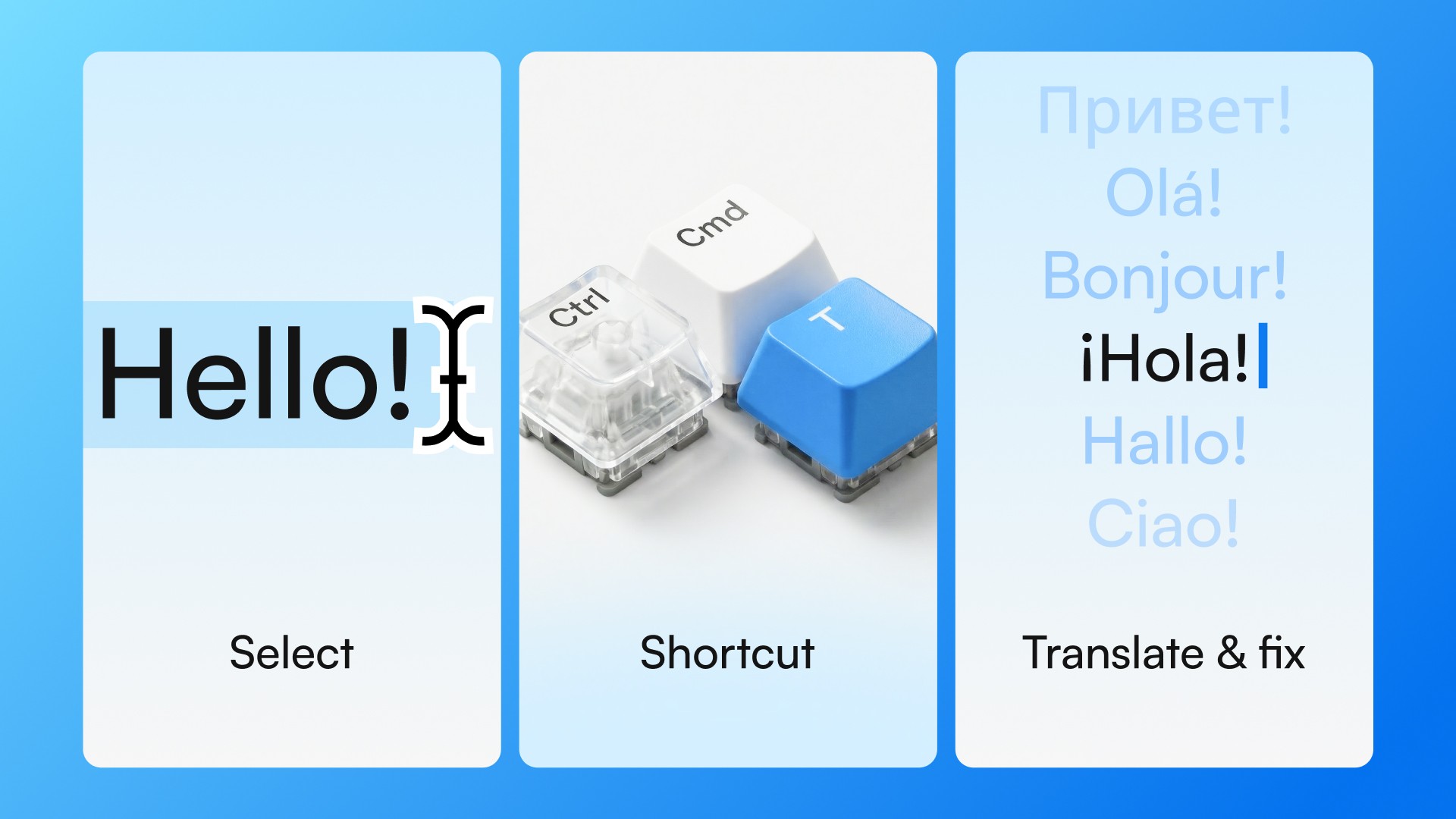
You write something in whatever app you're already in. You select the text. You press Ctrl+Cmd+T on Mac or Ctrl+Win+T on Windows. In about two seconds, the text is translated, corrected, or refined — depending on what you chose.
No tab switch. No prompt. No copy-paste. No leaving the app.
The sequence is:
Write something in any desktop app
Select the text
Press the shortcut
Done
That's it. The workflow is short enough that you can run it on messages you're barely uncertain about — which, over time, means you stop accumulating that background anxiety about whether everything you're sending sounds right.
The same task, two different workflows
Translating a Slack message
You drafted a message in Portuguese because it was faster. Now you want to send it as natural professional English.
ChatGPT: leave Slack, open ChatGPT, paste the message, type "translate to professional English," copy the result, return to Slack.
Typeflow: select the text in Slack, press the shortcut. Translated in place, in 2 seconds, without leaving Slack.
Adjusting tone in an email
You've written an email that feels slightly too formal for the person you're writing to. You want it to feel warmer without losing clarity.
ChatGPT: switch apps, paste, write a prompt that describes the relationship and tone target, read the result, possibly iterate, copy back.
Typeflow: select the relevant paragraph, trigger the shortcut, apply tone adjustment. Done in the app.
Quick clarity check
You've written something and you're not sure it's clear.
ChatGPT: switch apps, paste, add context. Reasonable output, but you've left what you were doing.
Typeflow: select, shortcut, result appears in context.
The tasks are the same. The friction is not.
When ChatGPT is the better choice
ChatGPT is stronger when the task requires depth, iteration, or a blank page.
Writing a complex email from scratch — especially one that involves delivering difficult news, negotiating, or establishing a new relationship. Drafting a performance review or a project proposal. Generating multiple versions of something to compare. Thinking through the strategy of how to phrase a difficult message before writing it.
These tasks benefit from a thinking partner. They're not about speed. You have time to prompt, iterate, and refine. ChatGPT is genuinely good at this.
When Typeflow is the better choice
Typeflow is stronger when the task is fast and the friction of switching apps outweighs the complexity of the work.
Translating a message you already wrote. Softening a tone before you hit send. Confirming that a quick reply sounds professional. These happen dozens of times a day — and each one doesn't justify a full context switch.
Typeflow is purpose-built for these moments. The micro-corrections and micro-translations that happen at the end of every message, not at the beginning of a long writing session.
They solve different problems at different moments
ChatGPT and Typeflow aren't in competition. They serve different stages of writing.
ChatGPT is for when you're building something from scratch or working through something complex. Typeflow is for the last two seconds before you send — when the content is already written and you just need to make sure it lands right.
The workflows can coexist. Many people use ChatGPT for longer, deliberate writing and Typeflow for everyday communication — Slack, Gmail, Teams, Notion — where the volume is high and the tolerance for workflow friction is low.
If you write in English at work every day, the question isn't which tool is more powerful. It's which one you'll actually use for the kind of tasks that come up most often.
Try Typeflow free for 7 days. No credit card required.