Email Tone Checker: How to Make Sure Your Emails Sound Right
Email Tone Checker: How to Make Sure Your Emails Sound Right
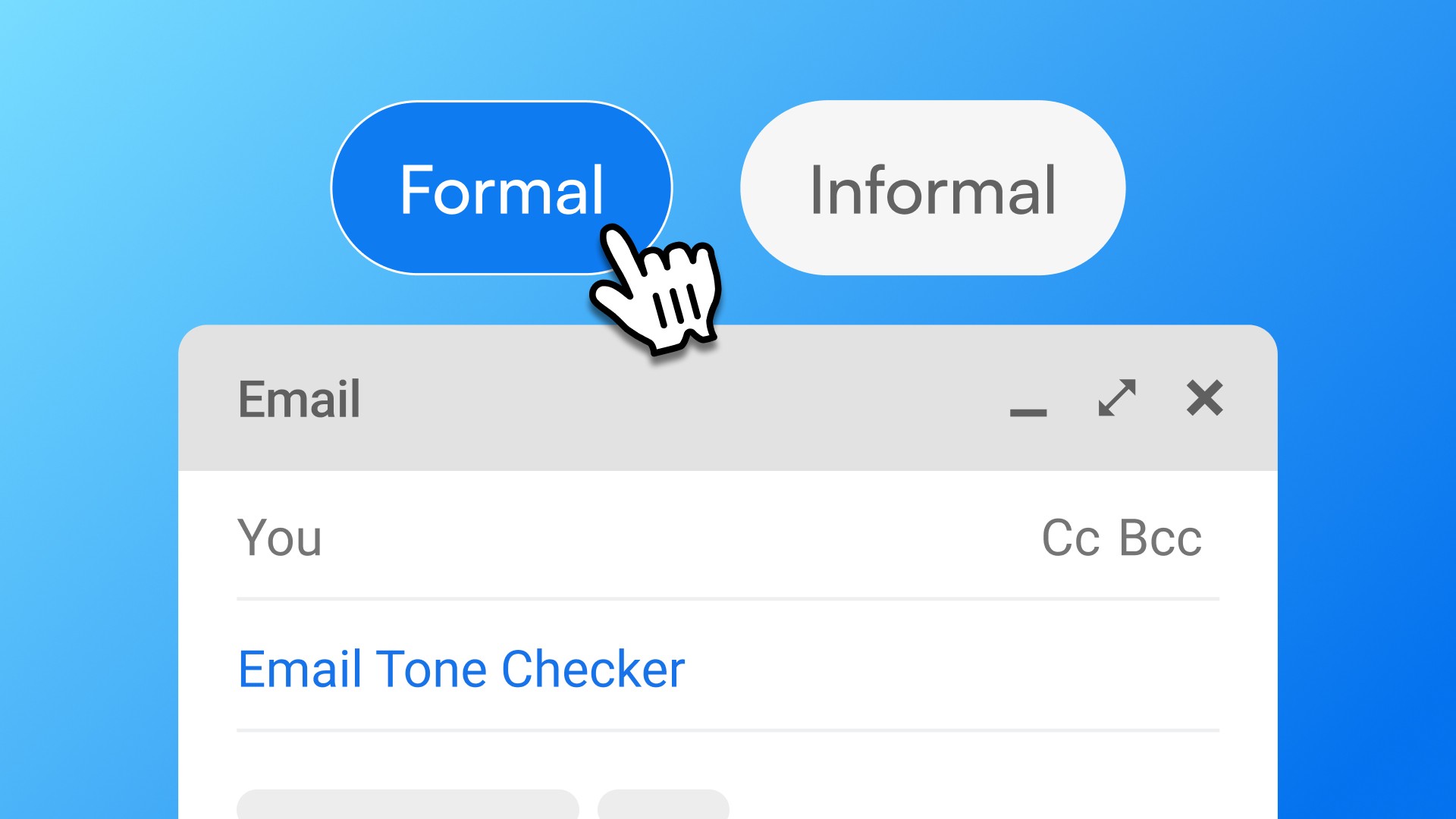
An email tone checker evaluates whether an email sounds right for its context and recipient — not just whether it's grammatically correct. It answers the question you're actually asking before you hit send: does this come across the way I intend?
Why email tone is harder to get right than grammar
Grammar has rules. Tone doesn't — or rather, the rules depend entirely on context.
"I need this by Friday" and "Would you be able to share this before end of week?" say the same thing. One is direct. One is deferential. Which is right depends on who you're writing to, what the relationship is, and what you're trying to signal.
Grammar checkers can't tell you that. They can confirm both sentences are structurally correct. They can't tell you which one fits the situation — or whether either one is going to land the way you intend.
This is why non-native professionals in particular often feel uncertain even when they know their grammar is fine. The uncertainty isn't about correctness. It's about calibration.
What email tone checkers actually evaluate
A good email tone checker looks at several elements that grammar tools miss:
Directness vs. deference. How assertive is the message? Is it asking, telling, suggesting? For messages that need to convey authority — status updates, escalations, boundary-setting — passive phrasing can undermine the message. For relationship-building or sensitive situations, too much directness can read as abrupt.
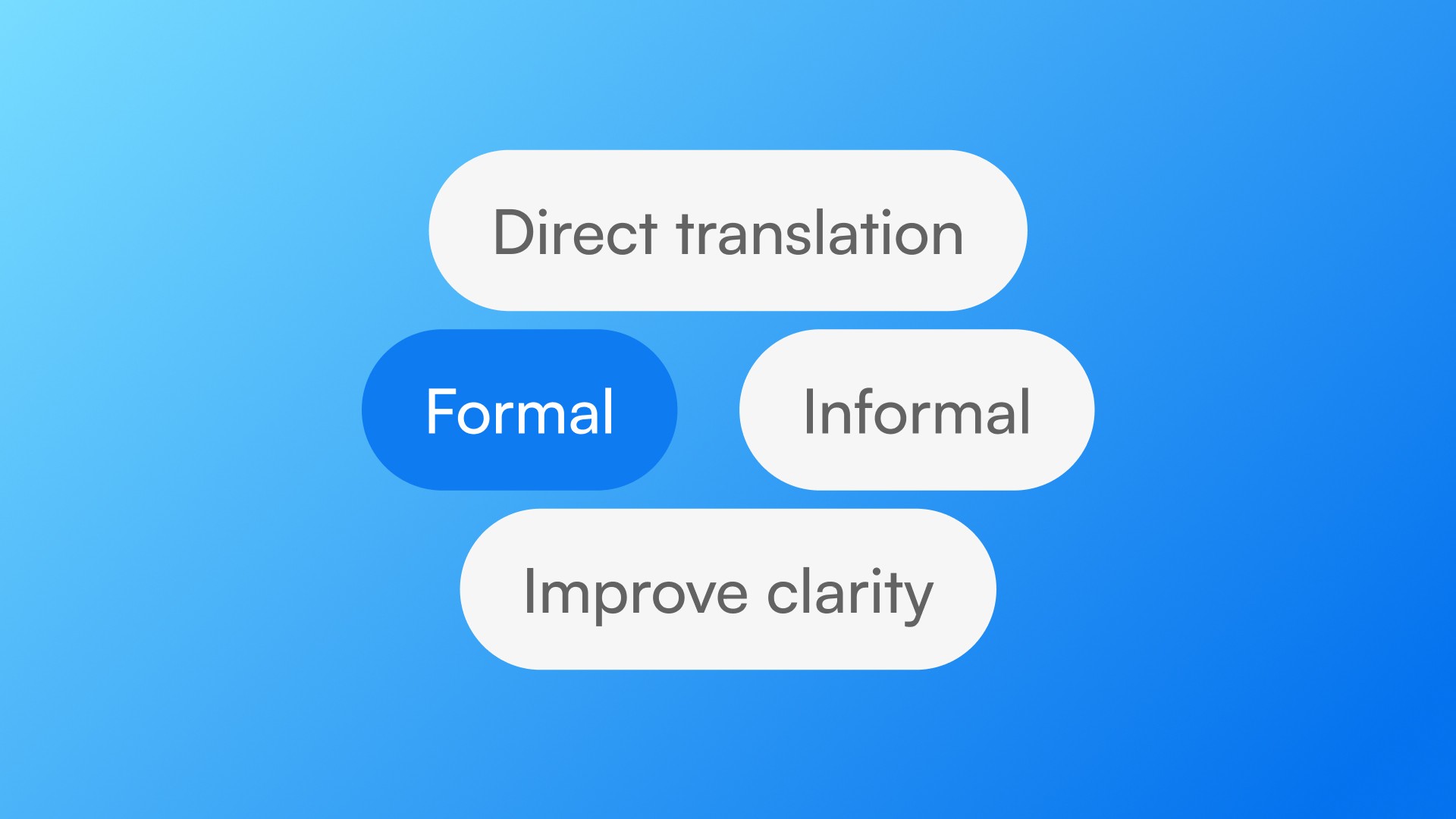
Formality level. Does the greeting match the relationship? Is the closing appropriate? "Hey" and "Hi [first name]" and "Dear [full name]" signal different things, even when the body of the email is identical.
Hedging language. Phrases like "just wanted to check," "I might be wrong but," or "sorry to bother you" soften messages — sometimes appropriately, sometimes in ways that undercut the sender's credibility. A tone checker can flag when hedging is excessive for the context.
Passive vs. active voice. Passive voice isn't always wrong — sometimes it's strategically useful for softening responsibility or generalizing a statement. But in professional email, overuse of passive can read as evasive or weak. A tone checker can distinguish between intentional and unintentional passive.
Overall temperature. Is the message warm, neutral, or cold? Purely transactional emails can read as curt in contexts where relationship-building matters.
The most common email tone problems for non-native professionals
Too direct for the relationship. American workplace English accepts — and often expects — directness that feels uncomfortable to speakers of languages with more formal communication norms. German, Japanese, Korean, and Brazilian Portuguese professionals often over-correct in the formal direction, producing emails that sound stiff or distant in American/British workplace contexts.
Too indirect for the situation. The inverse also happens: adopting so much hedging and softening language that urgent messages don't convey urgency, or requests don't convey that they're actually requests.
Formal register in casual contexts. Slack messages and quick email replies often don't require "I hope this email finds you well." Using formal register in informal channels reads as out of place — sometimes as passive-aggressive.
Casual register in formal contexts. First emails to senior stakeholders or external clients often warrant more formality than the sender realizes, especially early in a relationship.
How to check email tone without adding friction to your day
The traditional approach: paste the email into ChatGPT, write a prompt that explains the context, read the output, copy the revised version back. This works — ChatGPT handles tone well with good context.
The problem is the workflow. If checking tone takes two to four minutes per message, you'll only do it for emails where you're genuinely stuck. For the other messages — where you have mild uncertainty, not full paralysis — the doubt stays, and so does the cognitive overhead.
For low-friction tone checking across high-volume daily email, Typeflow works differently. Select the email text in Gmail, Outlook, or any desktop app. Press Ctrl+Cmd+T on Mac or Ctrl+Win+T on Windows. Get a refined version in about 2 seconds, in place, without leaving the app.
The result: you check tone on more messages — not just the ones where you're stuck, but the quick ones where you have a nagging uncertainty. The hesitation before sending goes down across the board.
Choosing the right approach for each situation
For complex, high-stakes emails — delivering difficult news, negotiating, first contact with important stakeholders — take the time to use ChatGPT with a detailed prompt. Write out the context: who is this to, what's the relationship, what do you want the email to accomplish, what tone are you aiming for. The additional time is worth it for emails that matter.
For routine daily email — follow-ups, status updates, quick replies, coordination messages — the overhead of tab-switching and prompting is usually disproportionate to the message. A tool that works inside the email client, without context-switching, covers this volume.
For first drafts — write in whatever language comes naturally, then use a tool to translate and adjust tone in one step. For non-native professionals who often draft faster in their native language, this removes a significant bottleneck.
The underlying question
Every time you pause before hitting send on an email, you're running a tone check in your head. You're asking: does this sound right? Will they read it the way I intend? Am I coming across as confident, professional, appropriately warm?
A good email tone checker externalizes that process — gives you a faster, more reliable answer than your own second-guessing. For people who write dozens of emails a day in their second language, that matters more than grammar correction.
Download Typeflow and stop second-guessing every message. 7-day free trial, no credit card required.