The Best Grammarly Alternatives for Non-Native English Speakers at Work
The Best Grammarly Alternatives for Non-Native English Speakers at Work
Grammarly is the default writing tool for most professionals who write in English. It catches grammar errors, flags passive voice, and runs in the background without interrupting workflow. For what it does, it does well.
But if you're a non-native professional and Grammarly still leaves you pausing before you hit send — wondering if the tone is right, if the phrasing sounds natural, if the email is too direct for this person — that's not a Grammarly limitation you can fix with a premium plan. That's a different problem, and it needs a different tool.
Here are the most useful Grammarly alternatives, what each one actually solves, and when to use which.
Why non-native professionals outgrow Grammarly
Most non-native professionals who've worked in English for a few years aren't making grammar mistakes. Their sentences are structurally correct. Grammarly doesn't flag much because there isn't much to flag.
What they're uncertain about is register: the calibration of tone for a specific context, relationship, and purpose. "Is this too direct for a first email to this client?" "Does this follow-up sound passive?" "Will 'as per my last email' read as passive-aggressive here?"
These aren't grammar questions. Grammarly can't answer them — it checks sentences against linguistic rules, not against the social and relational context of a specific message. The result: Grammarly is running in the background, catching nothing, while the real hesitation — about tone — stays unresolved.
The alternatives, by what they actually do
LanguageTool — best free grammar alternative
What it does: Detects grammar, spelling, punctuation, and style issues. Open source, multi-language support, integrates into browsers and some desktop apps.
Better than Grammarly when: You write in multiple languages, you want a free option that's robust, or you use European languages where LanguageTool has better coverage.
Same limitation: Checks structure, not tone. Doesn't know the context of who you're writing to or what the relationship calls for.
Best for: Non-native professionals who want a passive grammar safety net without paying for Grammarly.
Hemingway Editor — best for readability
What it does: Highlights sentences that are too long, passive voice, adverbs, and overly complex constructions. The goal is direct, readable writing.
Better than Grammarly when: You're working on longer content — reports, proposals, documentation — where clarity and conciseness matter more than tone.
Limitation: Web-based, no in-app integration. Better for drafts than for quick messages.
Best for: Cleaning up written content before sharing. Not for daily email and Slack volume.
ChatGPT — best for tone and register
What it does: Rewrites, translates, adjusts tone on demand. With a well-constructed prompt, it handles register remarkably well — it can make an email sound more direct, more formal, more warm, more concise, depending on what you specify.
Better than Grammarly when: Tone matters and you have enough context to write a good prompt. "Rewrite this to sound direct but not cold — it's a follow-up to a vendor who's two weeks late" produces a genuinely better result than anything Grammarly outputs.
Limitation: No in-app integration. Every use requires leaving your current app, opening ChatGPT, pasting text, writing a prompt, reading output, copying back. For dozens of daily messages, the friction compounds.
Best for: High-stakes, complex messages where tone matters and you have time to iterate.
DeepL Write — best for translation + writing
What it does: Translates with high quality and offers style suggestions. Particularly strong for European languages.
Better than Grammarly when: Your primary need is translating from your native language into polished English, not correcting English you already wrote.
Limitation: Web-based. Limited tone customization.
Best for: Professionals who draft in their native language and want a high-quality translation starting point.
Typeflow — best for in-context tone at scale
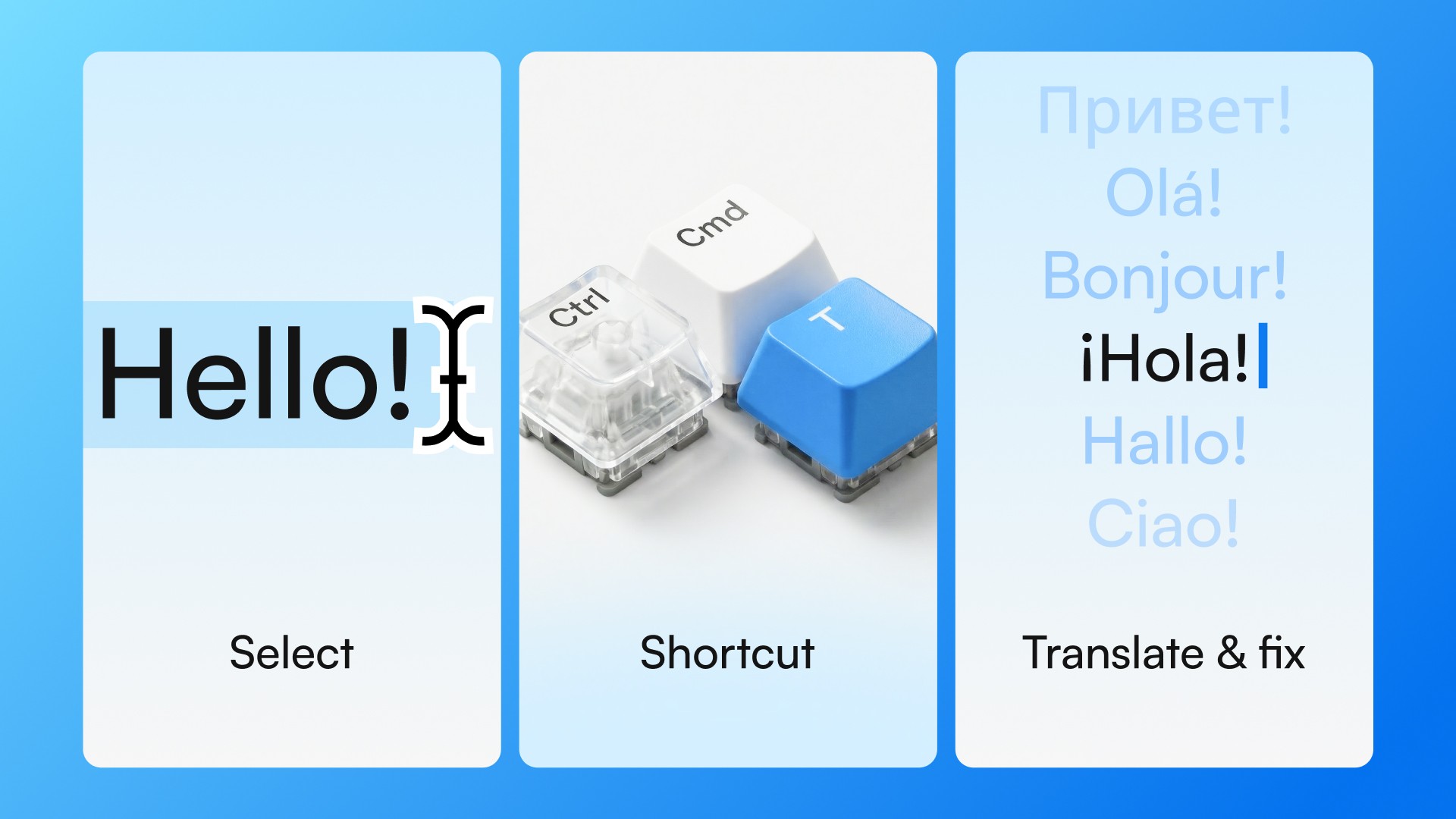
What it does: Works with a keyboard shortcut in any desktop app. Select text, press Ctrl+Cmd+T on Mac or Ctrl+Win+T on Windows, get a refined result in about 2 seconds — translated, corrected, or tone-adjusted, depending on the mode. No tab switching, no prompting, no copy-paste.
Better than Grammarly when: Your issue is tone and register, not grammar. You need quick confirmation that a message sounds right before sending — across dozens of messages a day.
Different from ChatGPT: ChatGPT is better for complex tasks with time to iterate. Typeflow is built for the last two seconds before you send — when the content is written and you just need to know it lands right.
Best for: Non-native professionals who write in English all day and want tone confidence on every message.
How to choose
Situation | Best tool |
|---|---|
Grammar errors are your main concern | LanguageTool (free) or Grammarly |
Long-form content that needs clarity | Hemingway Editor |
Complex or high-stakes message, time to iterate | ChatGPT |
Translating from native language first | DeepL Write |
Daily email/Slack volume, tone confidence at speed | Typeflow |
Most non-native professionals end up using more than one. A grammar tool as a passive background layer, ChatGPT for occasional complex messages, and a low-friction in-context tool for everything else.
The gap all grammar tools share
Grammarly, LanguageTool, and similar tools operate on the same model: they check your text against rules. They're fast, passive, and useful for what they catch.
But the problem non-native professionals most often face isn't what's wrong with the text — it's whether the text sounds right for the person and situation. That's a question about context and relationship, not about rules. No grammar checker can answer it.
The tools that address this gap — ChatGPT, Typeflow — do it in different ways and at different points in the writing process. Both are worth having. The question is which one fits the moment you're in.
Try Typeflow free for 7 days. No credit card required.