The Best Free Grammarly Alternative for Non-Native English Speakers
The Best Free Grammarly Alternative for Non-Native English Speakers
If you're looking for a free Grammarly alternative, you'll find dozens of lists recommending tools like ProWritingAid, Hemingway, LanguageTool, and Quillbot. They all fix grammar. Most of them are free or have a free tier.
But if you write in English professionally as a non-native speaker, grammar probably isn't your problem.
Why grammar checkers miss the point for non-native professionals
Most non-native professionals at the level where English is their working language aren't making grammar mistakes. Their sentences are structurally correct. The issue is something different: they're not sure the message sounds right.
Is this email too direct for this relationship? Does "as per my last email" come across as passive-aggressive? Is the tone too formal for a Slack message, or not formal enough for this client?
These are questions about register — the calibration of tone for a specific context, relationship, and purpose. Grammar checkers don't answer them. They check structure against rules. They don't know who you're writing to or what the situation calls for.
That's the gap in most Grammarly alternative lists: they compare tools on grammar and spelling accuracy, not on whether they solve the actual problem non-native professionals face.
What the free Grammarly alternatives actually offer
Here's an honest assessment of the most recommended free options:
LanguageTool is the closest free alternative to Grammarly in terms of grammar checking. It's open source, works in multiple languages, and integrates into browsers and desktop apps. Better than Grammarly for some European languages. Still doesn't address tone or register.
Hemingway Editor focuses on readability — it flags passive voice, adverbs, and complex sentences. Useful for making writing cleaner and more direct. Doesn't help with whether a specific message sounds appropriate for a specific person.
QuillBot can paraphrase and rewrite text, which is useful. But it's a web app — you paste text in, get something back, copy it out. That workflow has friction, especially across dozens of messages a day.
ChatGPT (free tier) is the most capable option for tone and register. If you write a good prompt with context ("rewrite this to sound direct but not cold — it's a follow-up to a client who's been unresponsive"), the output is often good. The friction is the same as QuillBot: you're leaving the app you're working in, building a prompt, and copying back.
The actual trade-off: capability vs. friction
The pattern across all free Grammarly alternatives is consistent:
Tools that work inside your apps (Grammarly, LanguageTool) fix grammar but don't handle tone
Tools that handle tone (ChatGPT, QuillBot) require you to leave what you're doing
For non-native professionals, both dimensions matter. You need something that handles register — not just grammar — without requiring you to interrupt your workflow for every message.
Tool | Grammar | Tone/Register | Works in-app | Free tier |
|---|---|---|---|---|
Grammarly | ✅ Strong | ⚠️ Limited | ✅ Yes | ✅ Yes |
LanguageTool | ✅ Strong | ⚠️ Limited | ✅ Yes | ✅ Yes |
Hemingway | ⚠️ Basic | ⚠️ Readability only | ❌ Web only | ✅ Yes |
QuillBot | ✅ Good | ✅ With context | ❌ Web only | ✅ Yes |
ChatGPT free | ✅ Good | ✅ With good prompt | ❌ Tab switch | ✅ Yes |
Typeflow | ✅ Good | ✅ Strong | ✅ Any desktop app | ✅ 7-day trial |
How to choose based on your actual situation
If grammar errors are your main concern: LanguageTool is the strongest free Grammarly alternative. It catches the most errors across languages and integrates into your browser without asking much from you.
If you want to improve readability: Hemingway is useful for making writing more direct and cleaner. Best used for longer pieces, not quick Slack replies.
If tone and register matter and you have time to iterate: ChatGPT free tier is the most capable option. Use it for messages where you're genuinely unsure of the approach — complex emails, delicate situations, first contact with someone new.
If tone matters and you're writing dozens of messages a day: The friction of tab-switching becomes the real problem. You'll use the tool for messages where you're stuck — but not for the quick ones where you also have some uncertainty. The doubt accumulates.
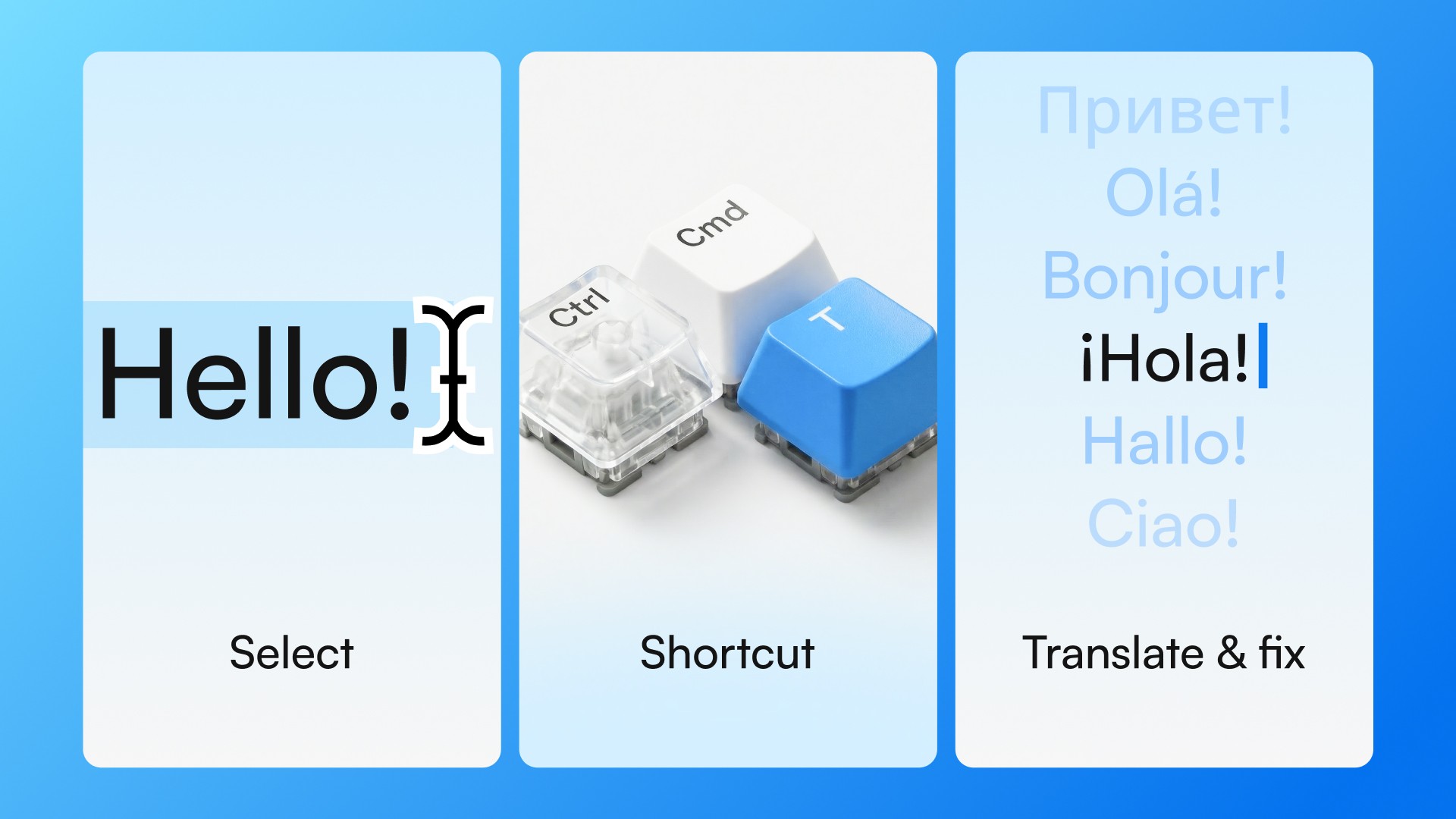
Typeflow works with a keyboard shortcut in any desktop app — Slack, Gmail, Notion, Google Docs. Select text, press Ctrl+Cmd+T on Mac or Ctrl+Win+T on Windows, get a result in about 2 seconds. No tab switching, no prompting, no copy-paste. The 7-day free trial requires no credit card.
The question worth asking
Most people looking for a free Grammarly alternative are actually looking for something Grammarly doesn't do well — not just a cheaper version of the same thing.
If what you want is better grammar checking, LanguageTool is the answer. If what you want is confidence that your message sounds right before you send it — and you want that without interrupting your day — that's a different tool for a different job.
Try Typeflow free for 7 days. No credit card required.