The Best Instant Translation Tool for Professionals
The Best Instant Translation Tool for Professionals
“Instant” is one of the most misused words in translation software.
Most tools that call themselves instant still require you to open a separate window, paste text, wait for a result, and copy it back. That’s not instant. That’s just fast copy-paste.
Real instant translation means staying in the app you’re working in and getting a result in place — without any intermediate step.
Here’s an honest breakdown of the main options, and what to look for if your goal is to write in English at work without breaking your flow.
What “Instant” Actually Requires
For translation to feel seamless in a professional work environment, three things need to be true:
No app switching — you stay in the tool you’re already in (Slack, Gmail, Notion, Google Docs, anywhere)
Speed — the result comes back in 2 seconds or less
Tone accuracy — the output sounds like something a professional would actually write, not a literal conversion
Most tools get one or two of these right. Very few get all three.
An Honest Look at the Main Options
Google Translate
Fast and free. Useful for understanding what someone else wrote. For outgoing professional communication, the output is too literal — it often needs significant editing to sound natural. And it requires leaving your app.
Best for: quickly understanding incoming text. Not for writing in English professionally.
DeepL
Better translation quality than Google in most cases. Still requires copy-paste. Output is often good but not calibrated for tone — it doesn’t know if you need formal, direct, or casual. Works well for longer documents where a human will review the output anyway.
Best for: quality translation for longer, less time-sensitive content.
ChatGPT / Claude
Highly flexible. Can adjust tone, context, register when prompted correctly. The limitation is workflow: every translation is a full context switch — open a chat, write a prompt, get the result, copy it back. Powerful for complex cases, impractical for dozens of daily messages.
Best for: one-off, complex translations where you have time and a specific need.
Grammarly
Not a translation tool. Useful for catching grammar and style issues in text you’ve already written in English. Doesn’t translate. Misses the core problem for non-native speakers who write in English from another language.
Best for: proofreading English you’ve already written.
Typeflow
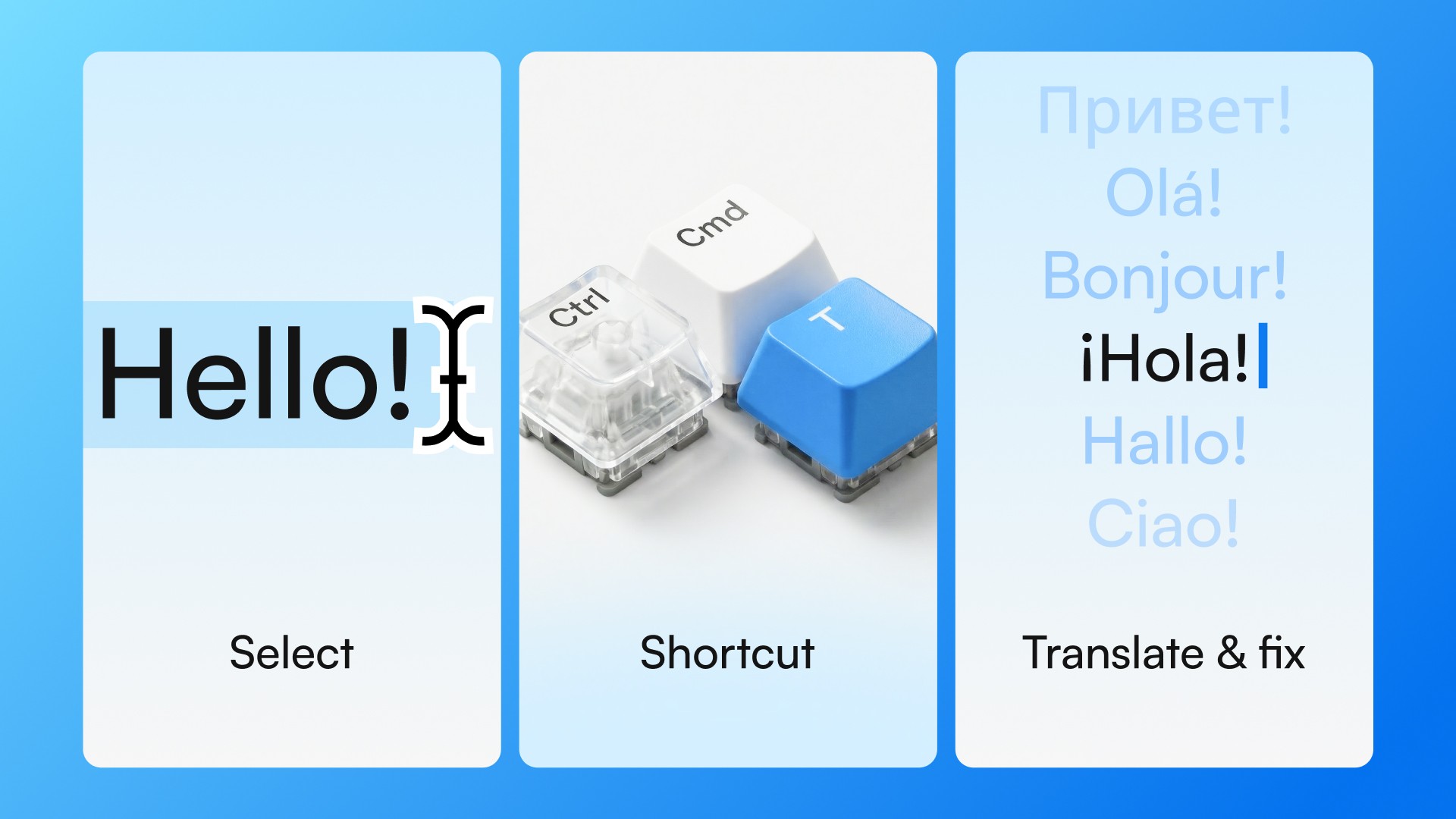
Built specifically for the daily workflow problem. Select text in any desktop app, use a keyboard shortcut (Ctrl+Cmd+T on Mac, Ctrl+Win+T on Windows), and in about 2 seconds you get a translation — or tone adjustment, or correction — without leaving the app you’re in.
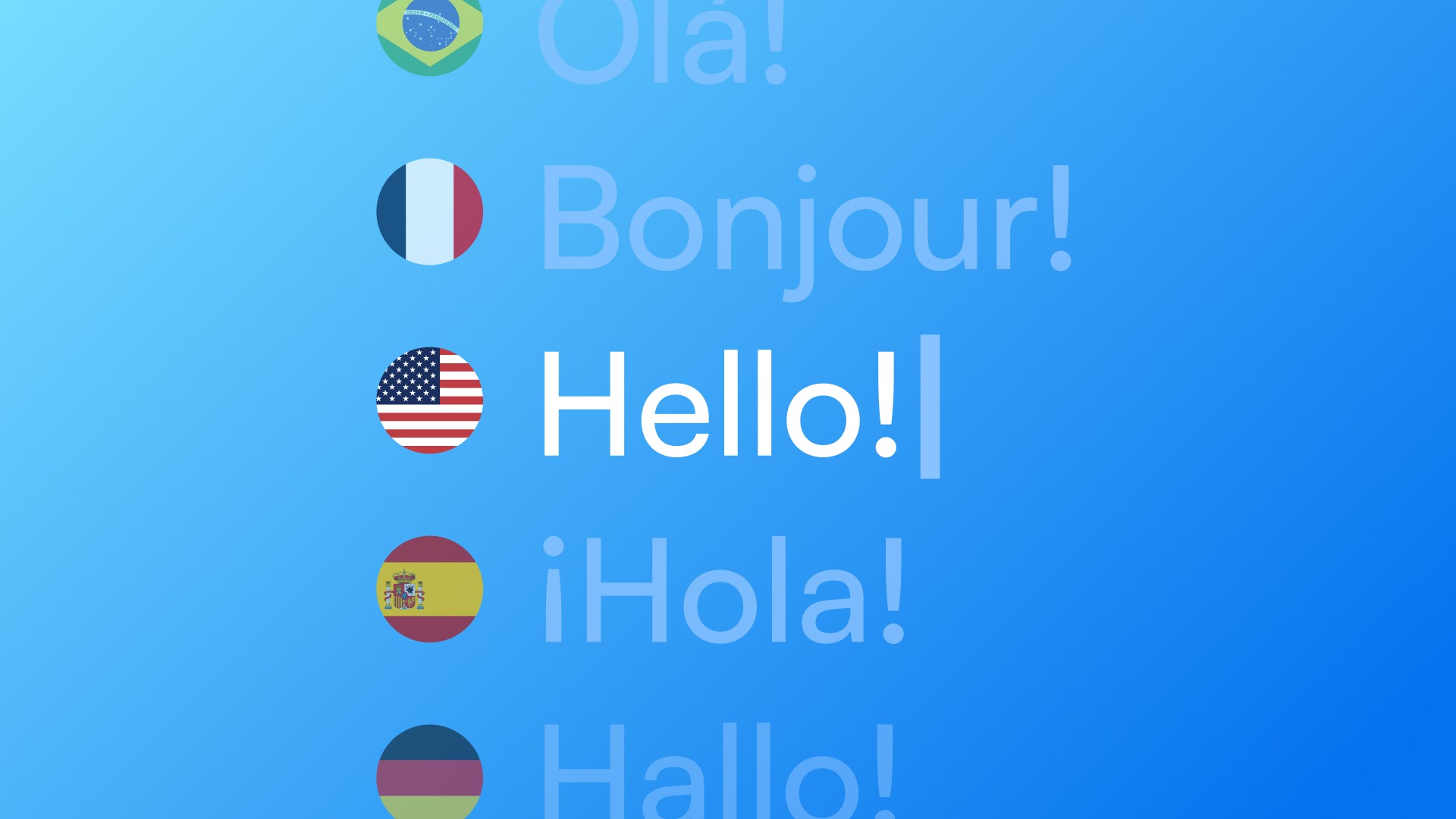
Works with any desktop app on Mac and Windows. Supports translation from Portuguese, Spanish, French, German, Italian, and other languages into professional English.
Best for: writing in English dozens of times a day, across multiple apps, with zero context switching.
The Tone Problem Nobody Talks About
Translation speed matters. But tone is what professionals actually care about.
“I need the report by Friday” and “Could you share the report by Friday?” are both translations of the same sentence. One sounds abrupt. The other sounds professional. A tool that doesn’t understand context can’t make that distinction.
The best instant translation tools for professional use don’t just convert — they calibrate.
What to Look For
If you write in English at work every day, prioritize:
System-wide shortcut — so it works in any app, not just the browser
Tone-aware output — not just literal conversion
Speed — under 2 seconds
No copy-paste required — the result appears where you are
If you write in English occasionally or need translations for longer documents, DeepL or ChatGPT may be enough. If it’s dozens of messages a day with no time to stop, that’s a different problem — and it needs a different solution.
Try Typeflow free for 7 days. No credit card required.